
Hybrid event production means running one event for two audiences at once — the room in front of you and the viewers watching online — with a single, unified show that serves both. In practice you produce the live experience as normal, then layer a broadcast on top: multicam vision mixing, clean broadcast audio, a dedicated stream encoder and a resilient internet feed, all directed so the remote audience feels like participants rather than eavesdroppers. Done well, neither audience notices the seams.
Planning an event in London? See our hybrid event production service: multicam filming, broadcast audio and live streaming from one crew.
It is the format most UK organisers now default to for conferences, launches and AGMs, because it widens reach without asking anyone to choose between attending and watching. But hybrid is harder than either a purely in-person event or a pure webinar — you are producing both, simultaneously, with no second takes. This guide walks through the format, the crew roles and the production workflow, then points you to our dedicated AV kit list, run-of-show plan and UK cost breakdown, so you can plan an in-person and online event that actually holds together.
What exactly is a hybrid event?
A hybrid event combines a physical, in-room audience with a live online audience watching a produced stream in real time. The defining feature is simultaneity: both audiences experience the same content at the same moment, and ideally can interact across the divide — remote viewers submitting questions the host reads aloud, in-room polls that include online votes, breakout content cut in for the stream.
It is worth being precise, because “hybrid” gets stretched to cover three quite different things:
- True hybrid — one live event, two live audiences, produced together. A conference streamed live with remote Q&A.
- Live-plus-on-demand — a live in-room event recorded and published afterwards. Cheaper, but the online audience isn’t live and can’t interact.
- Simulive — pre-recorded content played out at a scheduled time with live chat. Useful, but not a genuine hybrid.
Most of the cost and complexity sits in true hybrid, because that’s where the broadcast layer has to be flawless and unforgiving. Everything below assumes that model.
How do you produce a hybrid event?
Producing a hybrid event follows the same arc as any live production — plan, rig, rehearse, run, wrap — but every stage carries a second job: making the online feed as considered as the room. Here’s the sequence.
1. Define the two experiences first
Before you book a single camera, decide what the in-room and online audiences each get. Remote viewers can’t read a printed programme, feel the energy of a standing ovation or grab a coffee-break chat — so the stream needs its own producer thinking about pacing, lower-third graphics, holding slides and moments to bring them in. Treat the online audience as a broadcast, not a security camera pointed at a stage.
2. Lock the technical foundation
The non-negotiables for a credible hybrid production are multicam capture, a vision mixer, broadcast-grade audio and a redundant internet feed. A single locked-off camera and a laptop webcam is how hybrid events earn their bad reputation.
3. Build a run-of-show that both audiences share
One document, two columns: what happens in the room, and what the stream is doing at that exact moment — which camera, which graphic, when the host addresses the online audience, when Q&A opens. This is the single most useful artefact in hybrid production, and the thing amateur setups skip.
4. Rehearse the transitions, not just the content
Hybrid events fall apart in the joins: the handover from keynote to panel, the switch to a pre-recorded VT, the moment a remote speaker dials in. Rehearse those on the actual kit, in the actual room, before doors open.
5. Run it with a dedicated stream operator
Someone whose only job is the online feed — watching the encoder, the bitrate, the stream health and the chat — separate from whoever is directing cameras for the room. Split the responsibility and both improve.
For a deeper technical walkthrough of the streaming side, our companion guide on how to live stream a conference covers encoders, platforms and redundancy in detail.
What AV kit does a hybrid event need?
The exact hybrid event AV list scales with ambition, but a professional single-stage hybrid typically involves the following. Treat this as the baseline for a credible production, not the ceiling.
| Element | What it does | Why it matters for hybrid |
|---|---|---|
| 2–4 cameras | Wide, presenter, audience, roaming | Cutting between angles keeps the stream watchable, not static |
| Vision mixer (ATEM or TriCaster) | Live-cuts sources into one programme feed | Turns raw cameras and slides into a directed broadcast |
| Broadcast audio | Radio mics, a proper desk, a clean board feed | Online viewers forgive rough video far sooner than bad sound |
| Encoder | Compresses the programme feed for streaming | The bridge between the room and the platform |
| Bonded internet | Combines multiple connections for resilience | Venue Wi-Fi is not a broadcast connection; redundancy prevents dropouts |
| Graphics / lower thirds | Names, titles, holding cards, sponsor frames | Gives the stream a produced, branded feel |
| On-screen displays | Screens feeding remote speakers and content into the room | Lets the in-room audience see and hear online participants |
The item people underestimate most is connectivity. A dedicated, bonded internet feed — not the venue’s guest Wi-Fi — is what separates a stream that holds for three hours from one that buffers during the keynote. Budget for it as a certainty, not an upgrade. Specification-level detail — microphone choice per source, the separate stream mix and mix-minus, frame rates, encoder settings and connectivity headroom — sits in our hybrid event AV equipment guide.
How much does hybrid event production cost in the UK?
Tell us what you need and we will send a fixed, itemised quote the same day.
What moves the number is predictable: more cameras and more crew, more days (including rig and de-rig), branded motion graphics, multiple rooms or stages, and higher redundancy. As a rough shape:
These are planning ranges excluding VAT, not quotes — every event is priced on its run-of-show. The full ladder, the cost drivers, platform and captioning fees, rehearsal days and what a second streamed room adds are all set out in our guide to hybrid event production costs in the UK. For the streaming-specific costs that sit inside these figures, see how much event live streaming costs in London.
Hybrid event best practices: a planner’s checklist
Steal this list. These are the hybrid event best practices that consistently separate a smooth show from a stressful one.
- Give the online audience an owner. A named producer whose only job is the remote experience — not an afterthought for the in-room team.
- Redundant internet, always. Bonded connections or a hard-wired primary with a mobile backup. Never trust venue Wi-Fi alone.
- Prioritise audio. Take a clean feed from the sound desk; radio mics on every speaker. Viewers leave over bad sound faster than bad picture.
- Design for two-way interaction. Read remote questions aloud, include online votes in polls, and have the host acknowledge the stream by name.
- Full technical rehearsal on the real kit. Rehearse handovers, VTs and remote dial-ins in the actual room before doors.
- Confirm streaming platform and privacy. Public, unlisted or gated behind registration? Decide early — it affects the encoder setup and the sign-off.
- Plan the recording separately. An isolated clean recording, not just the stream capture, gives you usable on-demand and social edits afterwards.
- Brief your speakers for two audiences. Remind presenters to address the camera as well as the room, and to pace for viewers who can’t see the whole stage.
Why work with 9495 Creative on your hybrid event?
9495 Creative is a London video and creative production studio, and hybrid events sit squarely in our live-production work. Our crews run multicam productions on ATEM switchers with broadcast field audio and bonded internet — the exact foundation a dependable hybrid stream is built on — with directors and strategists who are fully in-house. No stock templates and no outsourcing, with the same attention given to the online feed as to the room.
Because the same team plans the shoot and directs the broadcast, the two audiences get one coherent show rather than a live event with a camera bolted on. And within five business days of your brief, you’ll have a clear treatment and plan — camera positions, run-of-show, connectivity and budget — so you know exactly what you’re buying before you commit.
The remote audience should feel produced for, not filmed at. That’s the whole job of hybrid.
What does a hybrid event production company actually do?
A hybrid event production company runs the technical layer that makes one event work for two audiences at once: multi-camera filming for the room, a vision-mixed programme feed for the stream, audio that serves both, streaming infrastructure with redundancy, and the run-of-show coordination that keeps remote and in-person segments in sync. On the day that means a crewed camera setup, a stream operator on the encoder, and someone owning comms between the AV desk and your event team. When you’re comparing suppliers, the costs break down the same way as any event coverage — we’ve published honest numbers in our guides to event videography costs in London and event live streaming costs.
Who is on a hybrid event crew?
A hybrid event needs five jobs covered on the day, and on a small show one person can hold two of them — but never the room and the stream at the same time. That single split is what decides whether the online audience feels produced for or filmed at. In practice a single-camera hybrid half day is two people, a two-camera vision-mixed show is usually three to four on site, and a multi-room broadcast day is five or more with a dedicated stream engineer. A sixth role, the remote-speaker producer, gets added the moment anyone presents from outside the room.
| Role | What they do on the day | From what size of show |
|---|---|---|
| Director / vision mixer | Calls and cuts camera, slide and VT sources into one programme feed, and drives the graphics | Two cameras onwards |
| Camera operator | Operates the presenter and roaming positions; a locked-off wide can run unmanned | One from the start, two or more at the professional tier |
| Sound engineer | Mixes the room PA and a separate clean feed for the stream, and manages radio mics | Any show with more than one live microphone |
| Stream operator | Watches the encoder, bitrate, platform health and the chat, and nothing else | Every hybrid event, without exception |
| Producer / floor manager | Owns the run-of-show, cues speakers and keeps room and stream in sync | Every hybrid event |
The other half of the crew question is what the quote actually covers. Ask for these in writing, because this is where hybrid quotes differ most and where a cheaper number usually means a thinner day.
- Rig and de-rig time. Whether the crew arrive the evening before or at 6am, and whether that time is inside the day rate or billed on top.
- A full technical rehearsal. On the real kit, in the real room, with the actual handovers and remote dial-ins tested.
- Connectivity. Bonded or hard-wired primary plus a backup, supplied by the production company rather than assumed from the venue.
- An isolated clean recording. Separate from the stream capture, and with a stated date it lands with you.
- Graphics build. Lower thirds, holding slides and sponsor frames, and how many rounds of amends are included.
- VAT and overtime. Whether the figure is excluding VAT, and what happens if the programme overruns.
Which roles can safely be doubled up, and who owns what through the day, is covered in detail in our guide to how to run a hybrid event.
Where should a hybrid event stream to, and how do remote speakers join?
There are three sensible destinations, and the choice is a governance decision as much as a technical one. A public platform such as YouTube Live or Vimeo is the simplest to encode to and gives you an on-demand page for free, but anything said in the room is said in public. A gated registration platform trades that simplicity for a guest list and attendance data, usually at a per-event or per-seat fee. An internal webinar on Teams or Zoom keeps everything inside your own tenancy and identity rules — often the only option for regulated or all-hands content, though it constrains your graphics.
Whichever you pick changes the encoder destination, the stream key handling and who signs off on privacy, so lock it before the tech spec is written. The platform and licensing fees themselves are priced in our guide to hybrid event production costs in the UK.
How remote speakers should dial in
Treat a remote presenter as a third venue, not a video call. The workflow that holds up: a virtual green room 20 to 30 minutes before their slot, a check on their own laptop and connection, a return feed so they can see and hear the room they are speaking into, and comms with the producer that the audience never hears. Agree a fallback in advance — usually a pre-recorded version of their segment, or dial-in audio over a holding slide — so a dropped connection is a decision rather than a scramble. The signal-chain detail behind return feeds and comms sits in our hybrid event AV equipment guide.
How do you know whether a hybrid event worked?
Most hybrid post-mortems stall because nobody agreed what success looked like before doors opened. Fix that by naming four numbers in the brief and asking for them in the handover pack. Peak concurrent viewers tells you the size of the online room at its fullest, which is the figure sponsors and boards actually respond to. Average watch time tells you whether people stayed, and where in the run-of-show they left — a cliff at the same timecode two years running is a programming problem, not a technical one. Registrations against live attendees gives you the show-up rate, which is what you plan capacity and reminder emails against next time. On-demand views in the first seven days tells you whether the recording had any life beyond the day.
We are not going to quote you a benchmark attendance rate, because the honest answer is that it swings enormously by sector, audience and whether the content is free. What matters is that you measure the same four numbers every time, so your second hybrid event has something to be compared against. Ask for the platform analytics export as a named deliverable alongside the recording, and decide before the event who reads it.
The recording itself is usually worth more than the live numbers. Turning one event day into clips, a recap film and on-demand sessions is a separate workflow, and we have set it out in how to repurpose event footage.
What does this look like at a real London event?
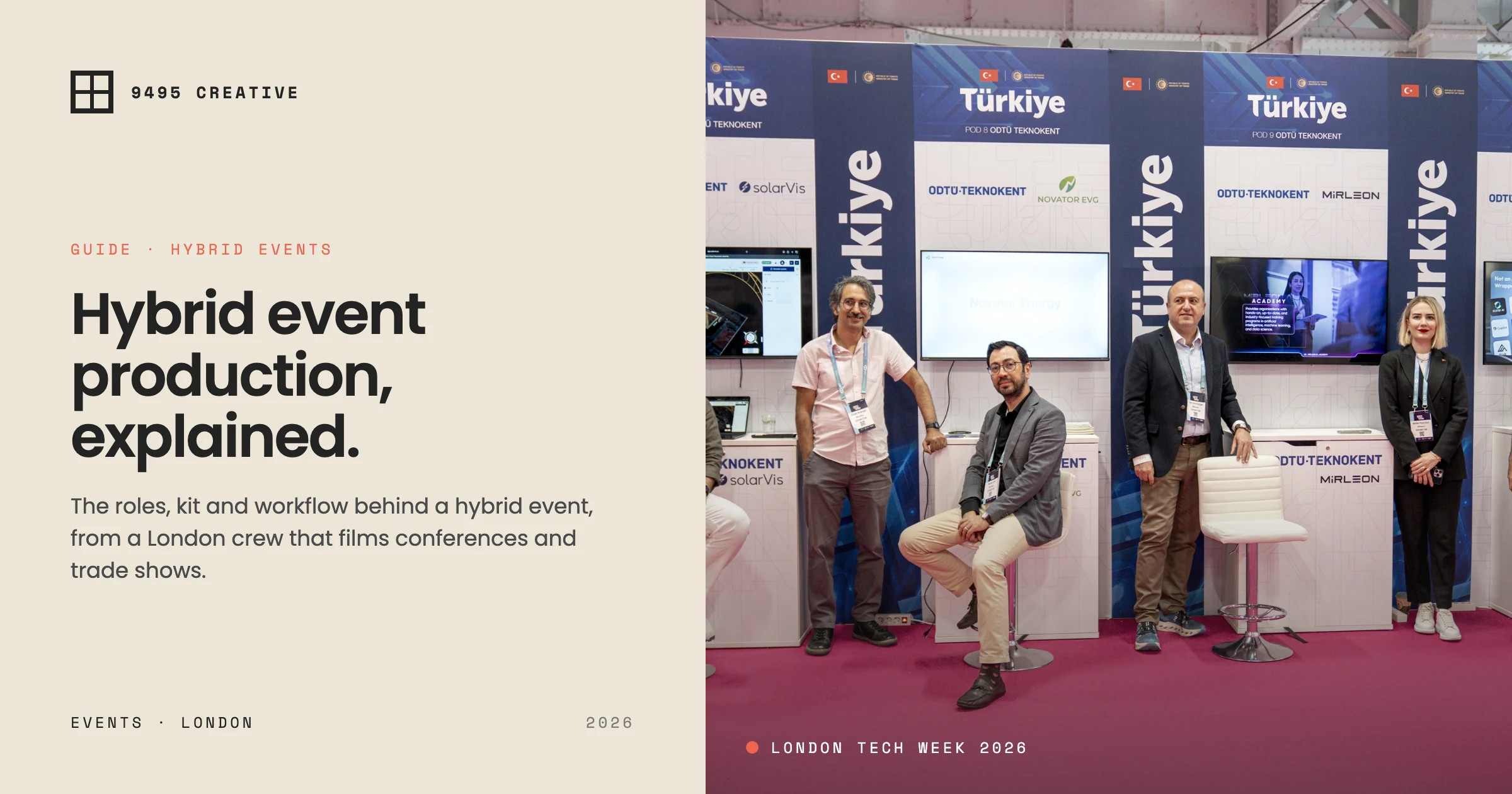
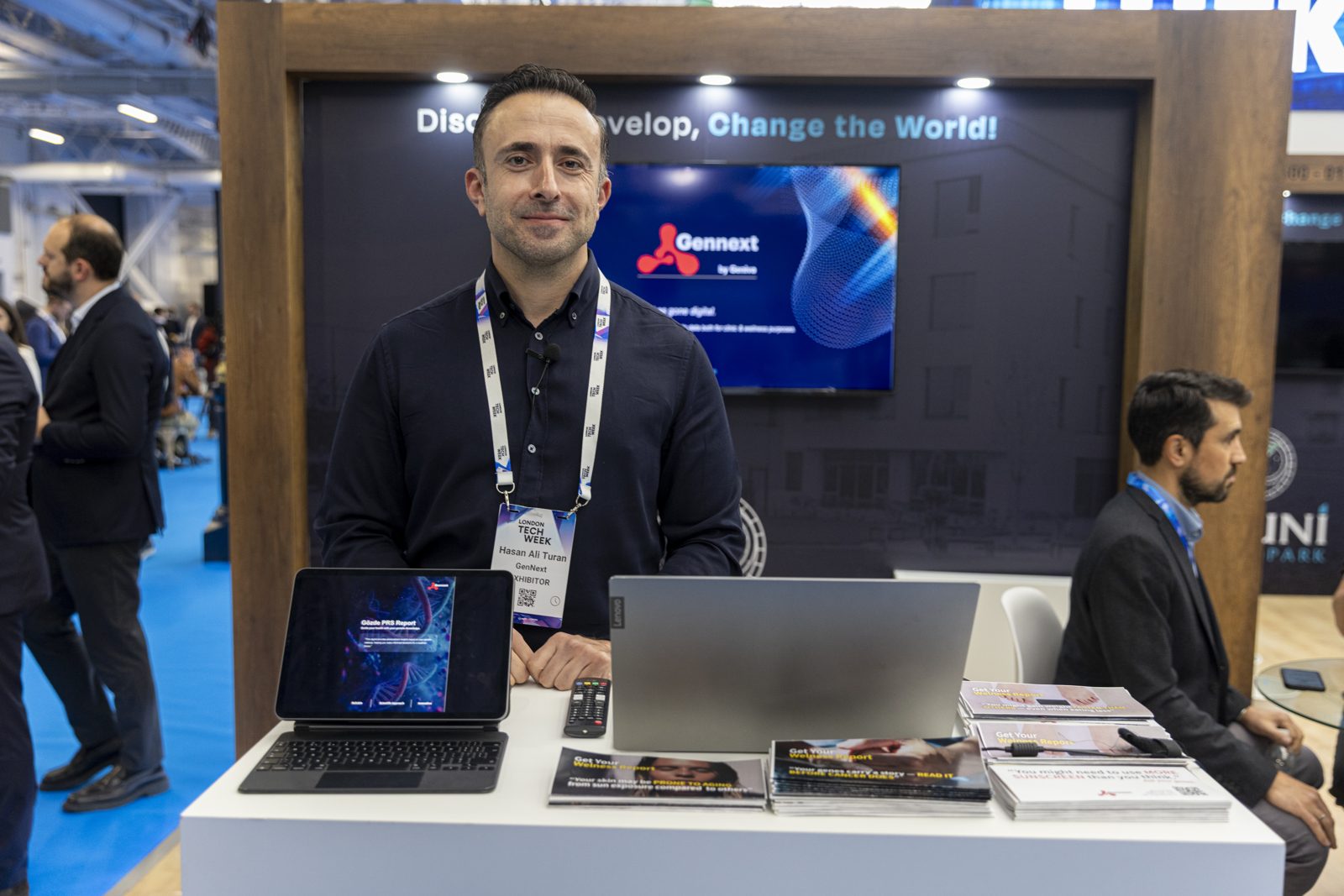
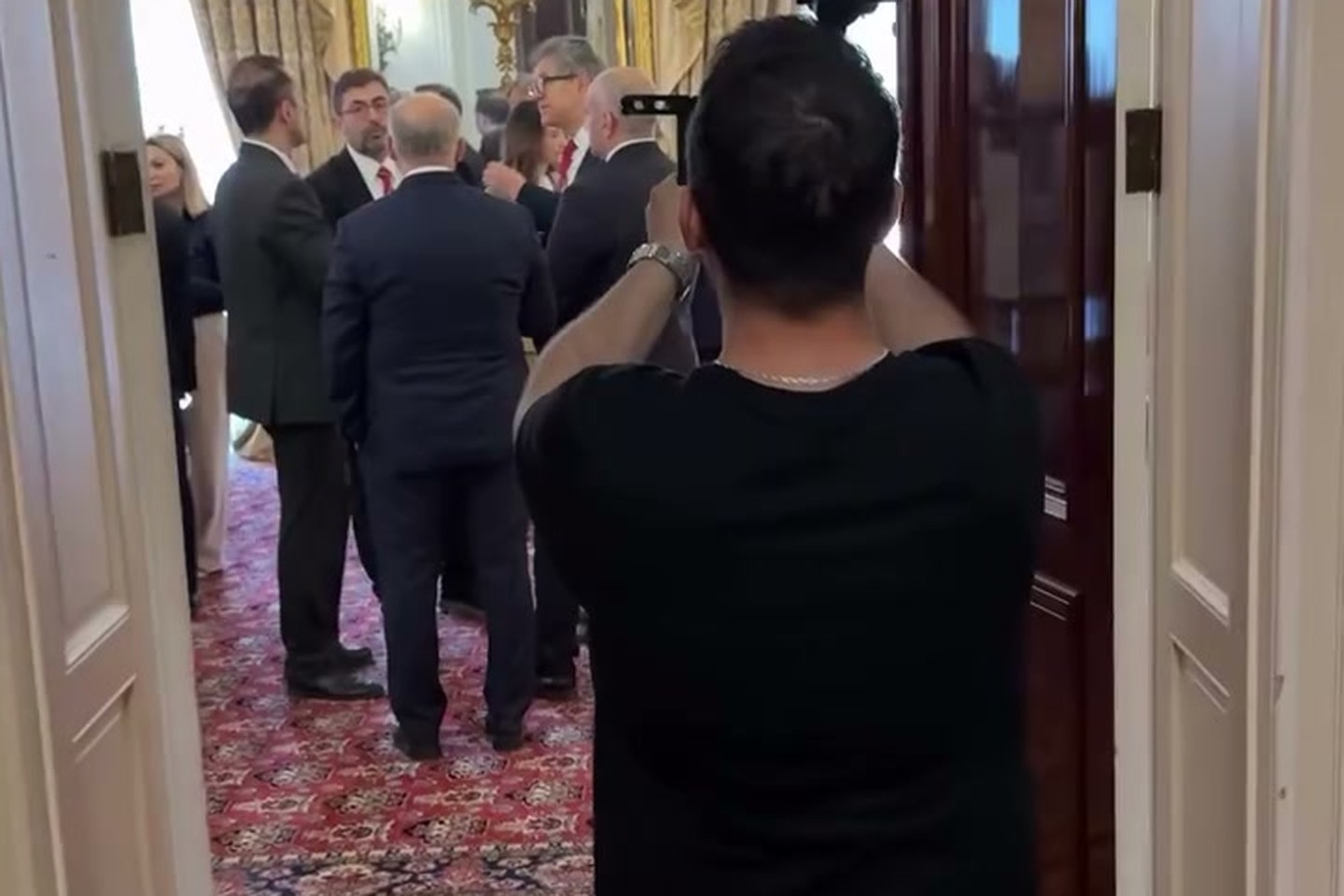
In June 2026 we photographed the Türkiye national pavilion at London Tech Week over three days: the stands, product demos, investor meetings, the reception and the protocol programme. Big shows like this run on the same roles and timings described above, whether the audience is in the room, online, or both.
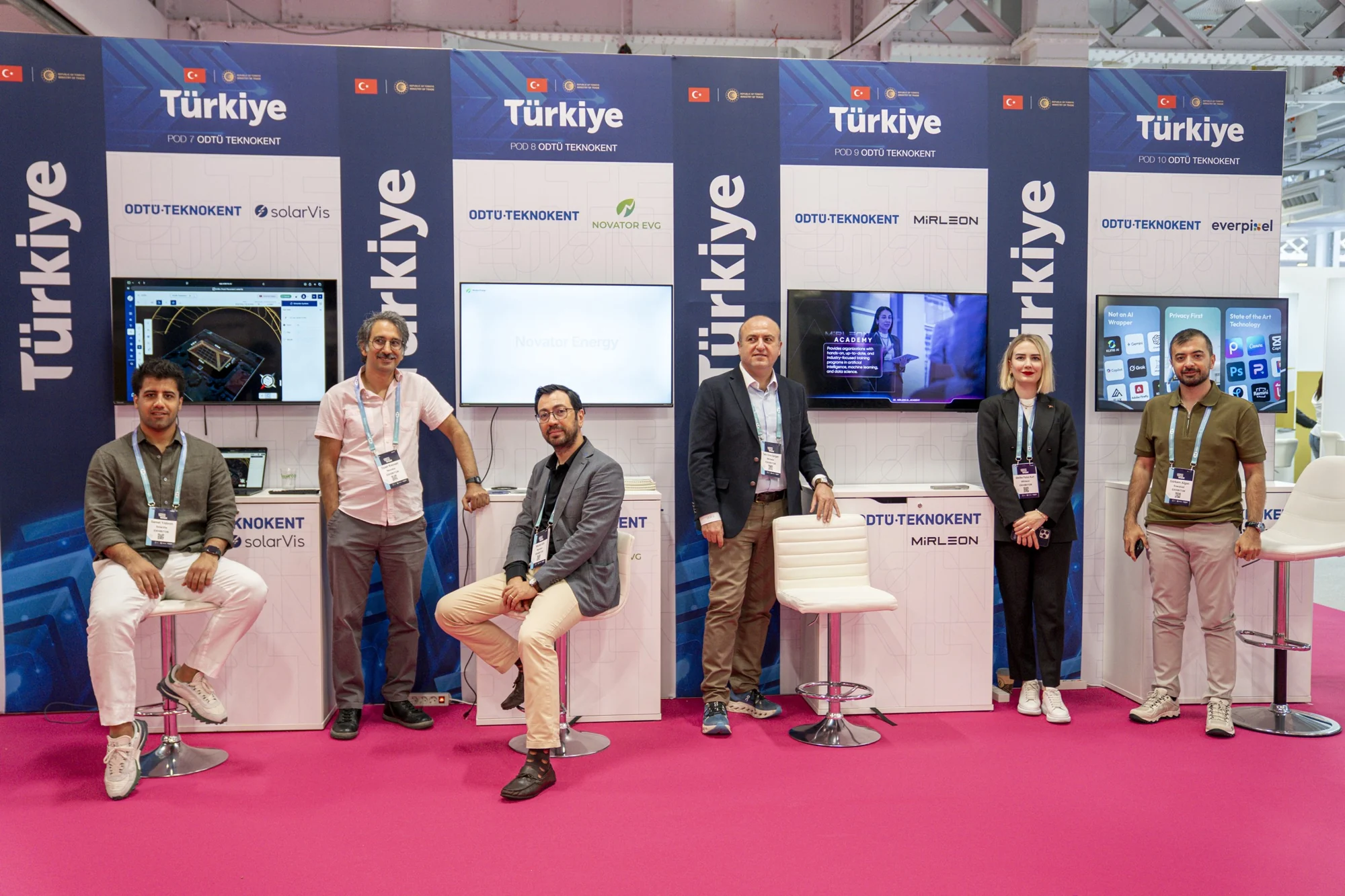
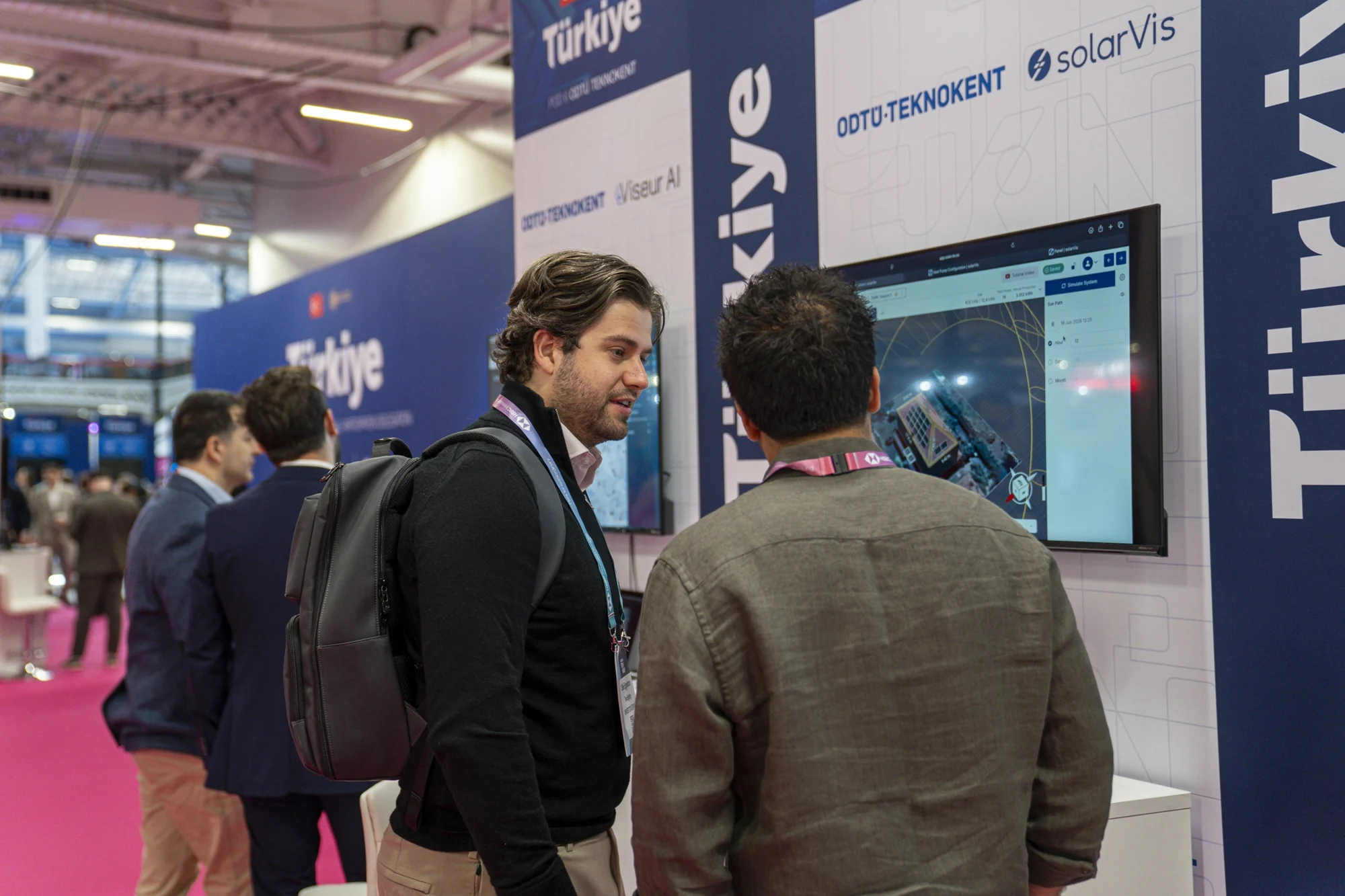
See the full project (in Turkish) in our London Tech Week 2026 case study, or how we cover events as a service on our event videography London page.
Frequently asked questions
What is a hybrid event?
A hybrid event combines a live in-person audience with a live online audience watching a produced stream at the same time. Both experience the same content simultaneously, and ideally interact across the divide — for example, remote viewers submitting questions the host reads aloud in the room.
How do you run a hybrid event?
Plan both audiences separately, lock a technical foundation of multicam capture, vision mixing, broadcast audio and redundant internet, build a shared run-of-show, rehearse every transition on the real kit, and run the show with a dedicated operator whose only job is the online feed.
How much does hybrid event production cost in the UK?
Camera count, crew size, number of rooms and shoot length drive the figure.
What AV equipment do you need for a hybrid event?
At minimum: two or more cameras, a vision mixer such as an ATEM switcher, broadcast-grade audio from the sound desk, an encoder, a bonded or redundant internet feed, on-screen graphics, and displays to bring remote speakers into the room. Bonded internet is the most underestimated essential.
What’s the biggest mistake planners make with hybrid events?
Treating the online audience as an afterthought — pointing a single static camera at the stage instead of producing a directed broadcast. The fix is giving the stream its own producer, proper multicam direction, clean audio and a resilient internet connection separate from venue Wi-Fi.
How do I choose a hybrid event production company?
Look for evidence of both disciplines: multi-camera event filming and live streaming with redundancy. Ask to see a recent hybrid event they ran end to end, how they handle stream failure, and whether crew, kit, platform and rehearsal are all included in the quote rather than billed as extras.
How many crew do you need for a hybrid event?
Five jobs, not necessarily five people: director/vision mixer, camera operator, sound engineer, stream operator and producer. The stream operator is never the person directing the room.
How much notice does a hybrid event production company need?
Six to eight weeks is a comfortable planning window for a single-stage hybrid day, and a multi-room conference wants three months or more. What sets the lead time is the venue survey and connectivity test, the platform and registration decision, and getting speakers into a rehearsal. Shorter turnarounds are possible, but they usually cost more and lose the rehearsal.
How does audio work at a hybrid event?
The stream needs its own mix, not a microphone pointed at the PA. The sound engineer takes a clean feed from the desk, so the online audience hears radio mics, playback and remote speakers at broadcast levels while the room hears the PA. Remote presenters need mix-minus so they do not hear themselves delayed. Bad hybrid event audio loses viewers faster than bad picture.
What should a hybrid event report include?
Four numbers as a minimum: peak concurrent viewers, average watch time, registrations against live attendees, and on-demand views in the first seven days. Ask for the raw platform analytics export as well as a summary, plus the isolated clean recording and its delivery date. Agree all of it in the brief, because retrieving platform analytics weeks later is often impossible.
Ready to plan your hybrid event?
If you’re producing an in-person and online event and want it to hold together for both audiences, tell us the date, the venue and what success looks like. Start a brief via our contact page and we’ll come back within five business days with a treatment, a run-of-show and a transparent budget. If you’re still weighing formats, our live events and video services page lays out how we approach production end to end.